Are you frustrated by choppy TV signals that interrupt your favorite shows right at the climax? In Webster, where weather can play havoc with your antenna reception, a weak TV signal is more common than you’d think. Whether it’s stormy nights or just the lay of the land, poor reception can ruin your binge-watching plans. But before you reach for the phone to call in the pros, why not try some simple DIY fixes? At Webster TV Repair, we’ve helped countless locals in Webster and surrounding areas get crystal-clear pictures without breaking the bank. In this guide, we’ll walk you through practical, step-by-step tips to boost your TV signal and improve reception. Let’s turn that fuzzy screen into a high-definition haven!
Understanding Why Your TV Signal is Weak
Before diving into fixes, it’s essential to grasp what’s causing the issue. TV signals rely on antennas or cable connections to deliver broadcast content. Factors like distance from broadcast towers, interference from buildings or trees, and even outdated equipment can weaken the signal. In Webster, with its mix of suburban homes and proximity to coastal areas, humidity and wind can further complicate things.
Common Causes of Poor Reception
- Antenna Placement Issues: If your antenna is indoors or blocked by walls, signals struggle to reach your TV.
- Weather Interference: Rain or high winds in Webster can disrupt over-the-air signals.
- Outdated Equipment: Old antennas or splitters might not handle modern digital signals efficiently.
- Electromagnetic Interference: Nearby electronics like microwaves or Wi-Fi routers can cause static.
By identifying the culprit, you can target your DIY efforts effectively. If these tweaks don’t cut it, our signal connection check services can diagnose deeper problems.
Essential Tools for Boosting Your TV Signal
You don’t need a toolbox full of gadgets to improve reception. Start with basics:
- A reliable TV antenna (indoor or outdoor, depending on your setup).
- Coaxial cables and splitters in good condition.
- Signal meter app on your smartphone (free options available on app stores).
- Duct tape or zip ties for securing adjustments.
For Webster residents in elevated homes, an outdoor antenna often works wonders due to better line-of-sight to towers. Pro tip: Check local broadcast tower locations using sites like FCC’s DTV Reception Maps to optimize placement.
DIY Tip 1: Optimize Antenna Positioning
The golden rule of TV reception? Location, location, location. Repositioning your antenna can dramatically boost signal strength without spending a dime.
Step-by-Step Antenna Adjustment
- Scan for Channels: Use your TV’s auto-scan feature to see which channels come in clearly.
- Elevate and Rotate: Mount the antenna higher—aim for an attic or rooftop if possible. In Webster’s flat terrain, even a few feet can make a difference. Rotate it slowly while monitoring signal quality.
- Avoid Obstructions: Keep it away from metal objects or dense foliage. If you’re near Pasadena, where urban sprawl is denser, clear any roof clutter.
- Test Iteratively: Use your TV’s signal meter or a free app to fine-tune. Aim for 70%+ strength for stable reception.
Many Webster folks report 50-70% improvement just from this. If your antenna is damaged, consider our TV tuner repair to restore functionality.
DIY Tip 2: Upgrade Your Cabling and Connections
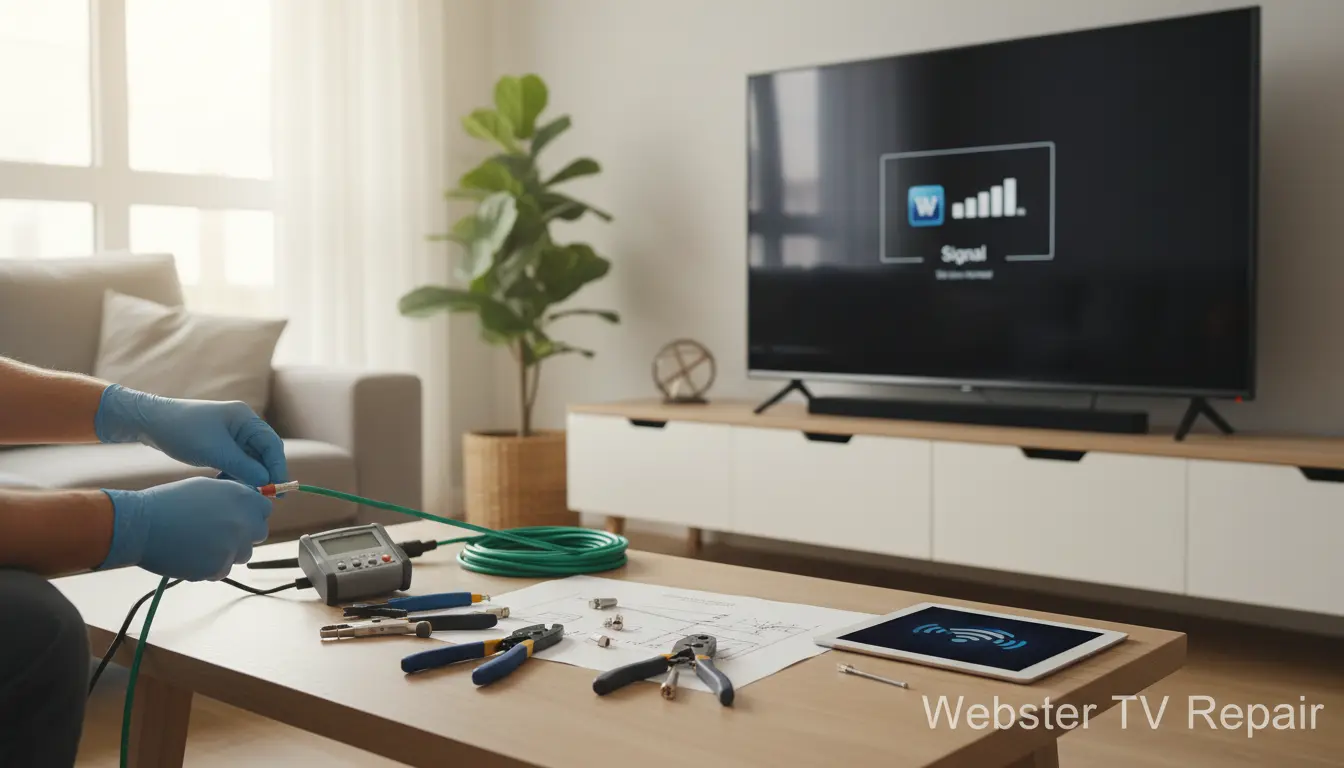
Loose or frayed cables are silent signal killers. Inspect every inch of your setup.
Checking and Replacing Cables
- Inspect Coax Cables: Look for bends, splits, or corrosion. In humid Webster weather, outdoor cables degrade faster.
- Tighten Fittings: Ensure all connections are snug. Use weatherproof seals for exterior lines.
- Minimize Splitters: Each splitter weakens the signal by 3-7 dB. If you have multiples, consolidate or upgrade to a powered amplifier.
- Switch to RG6 Cable: If you’re using old RG59, upgrade—it’s better for HD signals.
For complex setups, like those in multi-room homes around Friendswood, professional on-site repair service ensures everything’s wired right.
DIY Tip 3: Use a Signal Amplifier or Booster
When basic tweaks aren’t enough, a signal booster amplifies weak incoming signals. These devices are affordable (under $50) and easy to install.
Choosing and Installing a Booster
- Select the Right Type: For indoor antennas, get a distribution amplifier; for outdoor, a preamp closer to the antenna.
- Power It Up: Plug into an outlet near the TV. Avoid daisy-chaining with other devices.
- Placement Matters: Install between antenna and TV to prevent noise amplification.
In areas like Kemah, where signals travel over water, boosters can overcome multipath interference. Always match the booster’s gain (20-30 dB) to your needs—too much can overload strong signals.
DIY Tip 4: Reduce Interference Sources
Interference is the enemy of clear reception. Tame it with these habits.
Eliminating Common Disruptors
- Relocate Electronics: Move cordless phones, LED lights, or routers away from cables.
- Ground Your System: Ensure your antenna is properly grounded to prevent static buildup, especially during Webster’s frequent storms.
- Use Filters: Add a coaxial surge protector or FM trap to block unwanted frequencies.
- Wi-Fi Tweaks: Switch to 5GHz band if 2.4GHz overlaps with TV channels.
If interference persists, it might tie into hardware faults—our HDMI port repair can address related connectivity issues.
Advanced DIY: Building a Simple Antenna Reflector
For the handy DIYer, craft a reflector to focus signals toward your antenna. Using aluminum foil and cardboard:
- Cut foil to match your antenna size.
- Shape into a parabolic curve behind the elements.
- Secure and test— this can add 3-6 dB gain.
Ideal for vintage setups; pair with our antique TV restoration for full revival.
In Webster’s community, where many cherish older tech, this tip revives signals cost-effectively.
FAQ: Boosting TV Signal in Webster
1. How far are broadcast towers from Webster?
Most Houston-area towers are 20-40 miles away. Use online tools to confirm and adjust your antenna accordingly.
2. Can indoor antennas work well in Webster?
Yes, for urban spots, but outdoor ones outperform in rural edges. Weatherproofing is key here.
3. What if DIY doesn’t improve my signal?
It could be a tuner or connection issue. Contact Webster TV Repair for a signal connection check—we serve Brookside Village and beyond.
4. Are signal boosters safe for my TV?
Absolutely, if rated for your setup. Over-amplification is rare but avoid if signals are already strong.
5. How often should I rescan channels?
Monthly, or after weather events. Digital signals change with tower upgrades.
Conclusion: Clear Up Your TV Signal Today
Boosting your TV signal doesn’t have to be a headache. With these DIY tips—from antenna tweaks to interference busting—you can enjoy seamless viewing in your Webster home. We’ve covered the essentials to get you started, but remember, sometimes professional insight is the quickest fix. At Webster TV Repair, we’re passionate about keeping your entertainment crystal clear. Serving Webster and nearby spots like Bacliff, our team is just a call away for on-site repair service. Don’t let poor reception steal your show—try these tips now or reach out to us for expert help. Your perfect picture awaits!