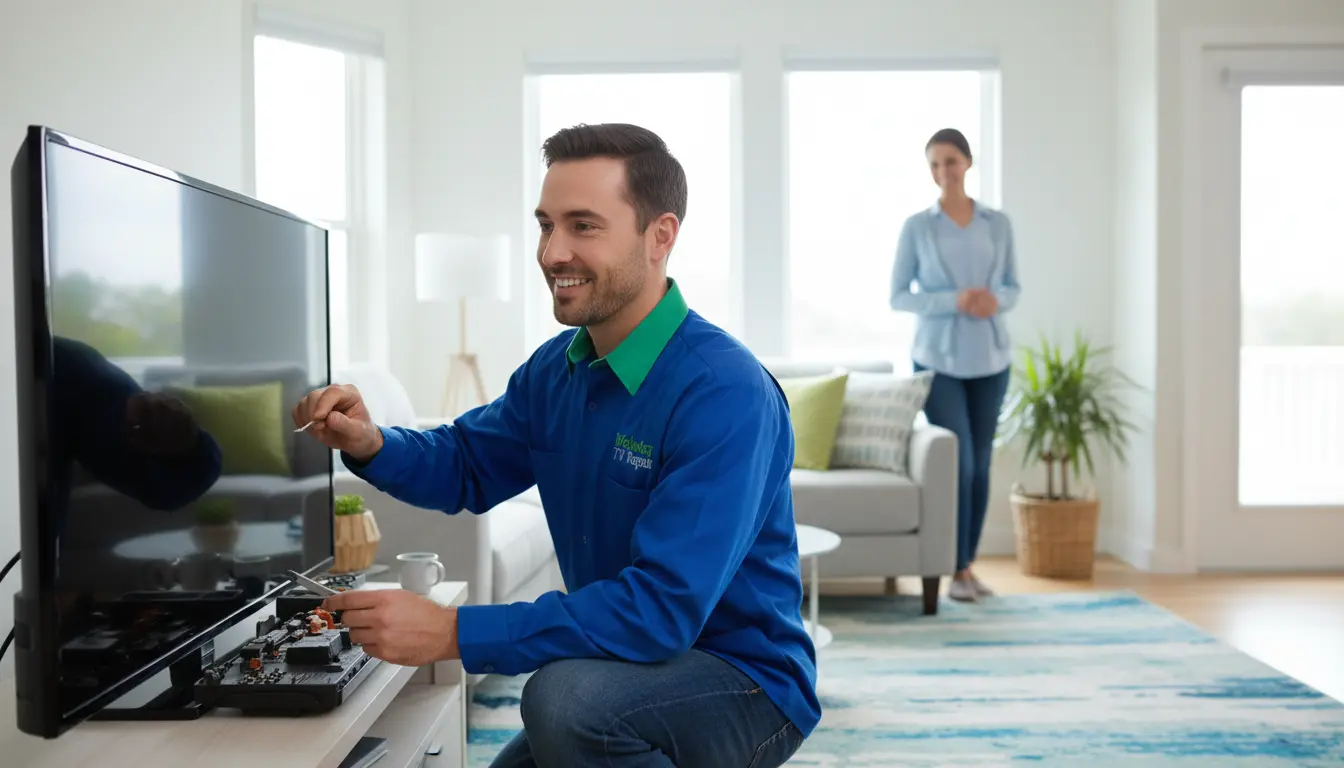
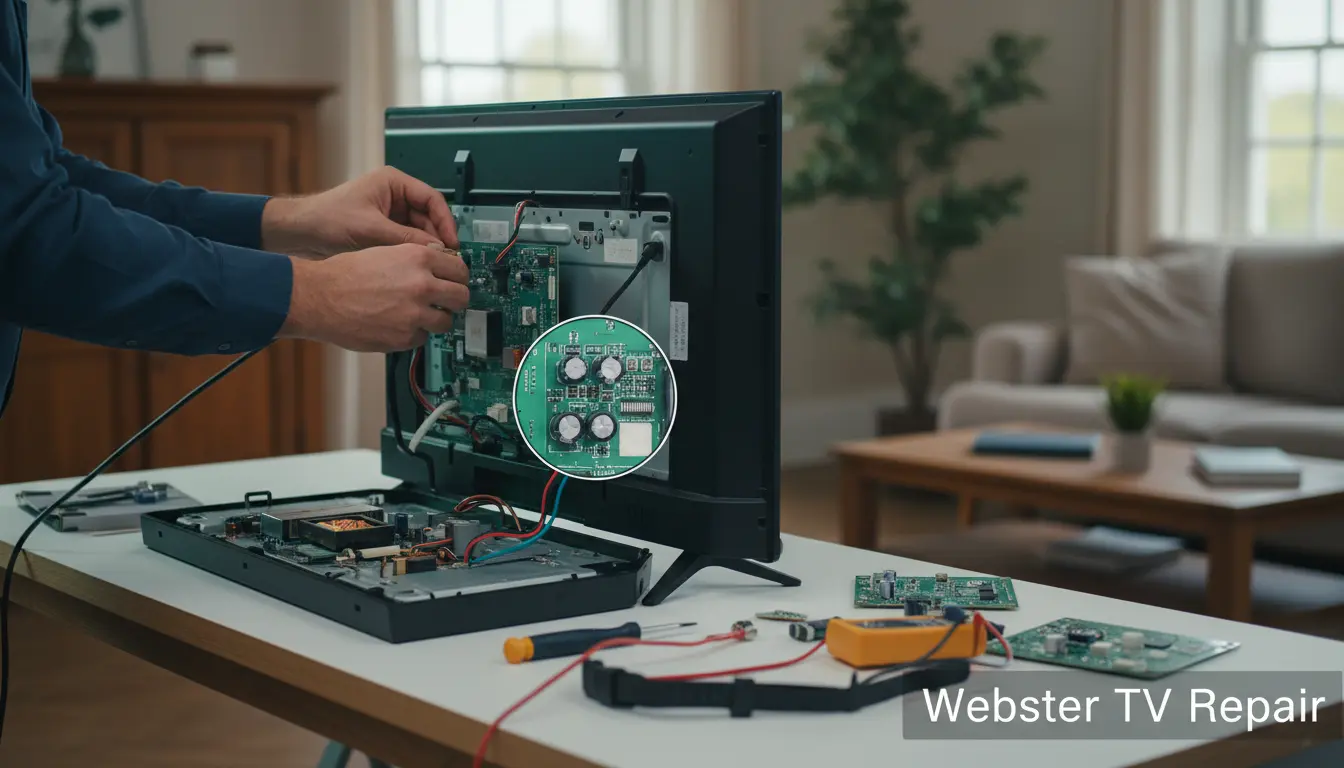
Your TV is the heart of family entertainment in Webster, TX, whether you’re catching the latest Astros game or binge-watching your favorite series. But when it starts malfunctioning, it can turn movie night into a nightmare. As a local resident, you know how frustrating it is to deal with tech glitches, especially in our humid Gulf Coast climate that can wear on electronics. At Webster TV Repair, we’ve seen it all—from minor glitches to major breakdowns. In this guide, we’ll walk you through five telltale signs that your TV requires professional attention right away. Spotting these early can save you from costly replacements and keep your downtime minimal.
Don’t wait for the problem to worsen. If you’re in Webster or nearby areas like League City or Clear Lake, our technicians are just a call away. Let’s dive into the signs and what you can do about them.
Sign 1: No Power or Sound Issues
One of the most common complaints we hear at Webster TV Repair is TVs that won’t turn on or produce sound. If your screen stays black despite pressing the power button, or if the picture appears but there’s eerie silence, it’s time to investigate.
Why This Happens
Power issues often stem from faulty capacitors, surge damage from Texas storms, or loose internal connections. In Webster’s variable weather, power surges from thunderstorms are a frequent culprit. Sound problems might involve blown speakers or audio board failures.
Practical Tips
- Check the basics first: Ensure the remote has batteries, the TV is plugged in securely, and try a different outlet. Unplug the TV for 5-10 minutes to reset it—a simple trick that resolves 20% of power glitches.
- Test with external devices: Connect a streaming stick or DVD player. If video works but no sound, the issue is likely internal.
- Avoid DIY fixes: Opening the TV yourself risks voiding warranties or causing shocks. Instead, schedule a diagnostic with our LCD screen repair experts who specialize in safe, efficient repairs.
Acting fast prevents escalation; we’ve repaired countless TVs in Webster homes before small issues become big expenses.
Sign 2: Flickering or Distorted Screen
Nothing ruins a relaxing evening like a screen that flickers like a faulty lighthouse or displays wavy lines. If your TV’s picture is jumping, color-shifting, or showing dead pixels, it’s signaling distress.
Common Causes in Webster Homes
Our coastal humidity can cause backlight failures in LED TVs, while dust buildup from everyday use leads to overheating and distortion. For older models, aging panels are prone to these symptoms.
Actionable Advice
- Clean the vents: Use a soft brush to remove dust from the back vents, but never use liquids near the screen.
- Adjust settings: Lower brightness or switch to a different input source to rule out cable issues.
- Seek professional help: If flickering persists, it could be a failing inverter board. Our team at Webster TV Repair offers on-site diagnostics for Webster residents, ensuring minimal disruption to your schedule. Learn more about handling LCD screen repair for crystal-clear results.
Early intervention here can extend your TV’s life by years, especially in our local environment.
Sign 3: Poor Picture Quality or Color Problems
Has your once-vibrant HD screen turned washed-out or overly dark? Colors bleeding or inconsistent brightness are red flags that your TV’s display components are failing.
Local Factors at Play
In Webster, TX, where many homes rely on cable from providers like Comcast, signal interference from nearby NASA facilities or power lines can exacerbate picture issues. Internally, it’s often a backlight LED strip or T-con board malfunction.
Steps to Take
- Calibrate manually: Use your TV’s built-in picture settings to adjust contrast and color. Apps like those from THX can guide you.
- Inspect cables: Ensure HDMI or coax connections are tight and undamaged.
- Call in the pros: For persistent problems, our certified technicians use specialized tools to pinpoint and fix issues. Serving the Webster area, we prioritize quick turnaround times so you can get back to enjoying sharp visuals.
Don’t settle for subpar viewing—professional tuning makes a world of difference.
Sign 4: Overheating and Shutdowns
If your TV feels unusually hot to the touch or shuts off randomly during use, overheating is likely the villain. This is especially common in enclosed entertainment centers common in Webster living rooms.
Understanding the Risk
Blocked airflow from dust or poor ventilation causes components to overheat, leading to automatic shutdowns as a safety measure. In our warm Texas climate, this accelerates wear on circuit boards.
Prevention and Fixes
- Improve ventilation: Keep at least 4 inches of space around the TV and avoid placing it in direct sunlight or near heat sources like fireplaces.
- Regular maintenance: Clean internals annually, but leave it to experts to avoid damage.
- Professional intervention: Overheating often ties to fan failures or power supply issues. At Webster TV Repair, we perform thorough cleanings and repairs tailored to local conditions, ensuring your unit runs cool and efficient.
Ignoring this sign can lead to permanent damage, so address it promptly.
Sign 5: Strange Noises or Physical Damage
Hearing buzzing, clicking, or humming from your TV? Or noticing cracks on the screen? These auditory or visible cues demand immediate attention.
Why Noises Occur
Capacitor hums, coil whine from power supplies, or arcing from loose wires are typical. Physical damage might result from accidental bumps in busy Webster households.
What to Do Next
- Listen and observe: Note when noises happen—during startup or while on—to help technicians diagnose.
- Secure the area: If there’s visible damage, power off and unplug to prevent hazards.
- Expert repair: For noise issues, it could be a simple capacitor swap; cracks often require LCD screen repair. Our mobile service covers all of Webster, arriving fully equipped.
Safety first—unusual sounds can indicate fire risks.
FAQ: Common TV Repair Questions in Webster, TX
1. How long does a TV repair take at Webster TV Repair?
Most diagnostics take 1-2 hours, with repairs completed same-day for simple issues. Complex jobs like screen replacements might need 24-48 hours, but we offer loaner TVs for Webster customers.
2. Is it worth repairing an older TV, or should I buy new?
If your TV is under 7 years old and the repair cost is less than 50% of a new model’s price, it’s usually worthwhile. Our free estimates help you decide.
3. Do you offer warranties on repairs?
Yes! All work at Webster TV Repair comes with a 90-day parts and labor warranty, giving you peace of mind.
4. Can weather in Webster affect my TV?
Absolutely—humidity and surges from storms are common issues. We recommend surge protectors and annual check-ups.
5. How much does TV repair cost in Webster?
Costs vary: $50-150 for diagnostics and minor fixes, up to $300 for screens. Transparent pricing with no hidden fees.
Conclusion: Don’t Let TV Troubles Ruin Your Day—Act Now!
Living in Webster, TX, means enjoying quality time with loved ones, and a reliable TV is key to that. From power failures to screen woes, these five signs are your cue to seek help before problems snowball. At Webster TV Repair, we’re committed to serving our community with honest, efficient service. Whether it’s a quick fix or comprehensive overhaul, our experts have the skills to revive your entertainment setup.
Ready to get your TV back in action? Contact Webster TV Repair today for a free quote or same-day service. Call us at (281) 123-4567 or visit our site to schedule. Your perfect picture awaits—let’s make it happen!
(Word count: approximately 1250)