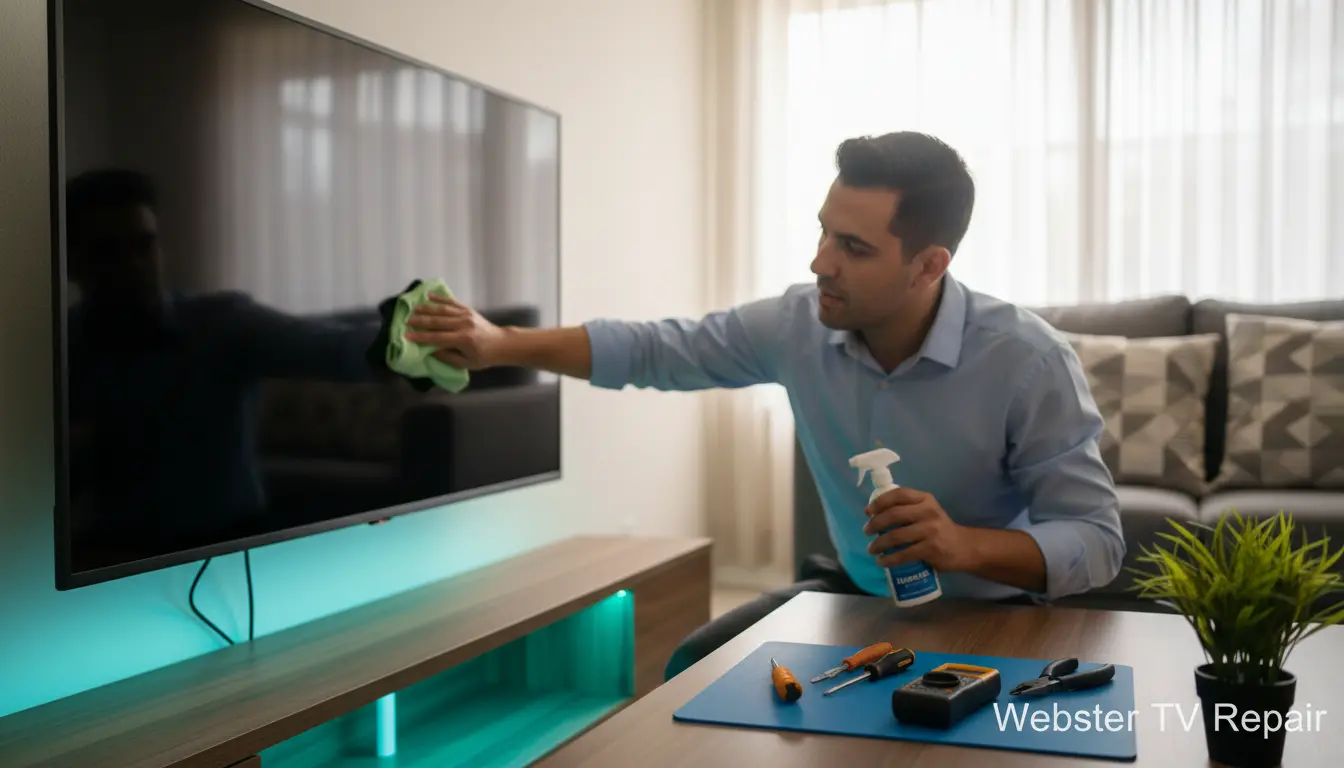
Living in the Houston area means dealing with humidity, dust, and the occasional storm that can wreak havoc on your electronics. If you’re in Webster or nearby neighborhoods like Nassau Bay, your TV is more than just a screen—it’s the heart of family movie nights and binge-watching sessions. But without proper care, even the best models can falter. At Webster TV Repair, we’ve seen it all: from foggy screens due to moisture to power surges frying circuits. That’s why we’re sharing our top 7 TV maintenance tips to help you extend your TV’s life and avoid unexpected breakdowns. These practical steps are tailored for our local climate and will keep your setup running smoothly. Let’s dive in and safeguard your viewing experience.
Why TV Maintenance Matters in Houston’s Climate
Houston’s subtropical weather brings high humidity levels, especially in coastal spots like Webster and Kemah. This can lead to condensation inside your TV, causing shorts or corrosion. Add in frequent thunderstorms and power fluctuations, and your flat-screen becomes vulnerable. Regular maintenance isn’t just about cleaning—it’s about preventing issues that lead to expensive power supply repairs. By following these tips, you can reduce downtime and save money on professional fixes.
Tip 1: Dust Your TV Regularly to Combat Houston Dust
Dust is a silent killer for TVs, particularly in the dusty Gulf Coast environment. It clogs vents and overheats components, leading to performance dips or complete failures.
Actionable Advice:
- Use a soft, microfiber cloth to gently wipe the screen weekly. Avoid paper towels—they can scratch.
- For the back and sides, use compressed air to blow out dust from vents. Do this monthly.
- In Webster homes near construction sites or busy roads, increase frequency to bi-weekly.
Pro Tip: If dust buildup is severe, consider our smart TV troubleshooting services to diagnose any resulting glitches early.
Tip 2: Ensure Proper Ventilation to Prevent Overheating
Overheating is a top culprit for TV malfunctions, exacerbated by Houston’s steamy summers. Poor airflow can warp internals and shorten lifespan.
Actionable Advice:
- Keep at least 4-6 inches of space around all sides of your TV. Wall-mounted units in La Porte homes need extra clearance.
- Avoid enclosing your TV in tight cabinets; opt for open shelving.
- Use a fan or dehumidifier in humid rooms to maintain cool, dry air.
If your setup feels cramped, our wall mount installation experts can optimize placement for better airflow.
Tip 3: Protect Against Power Surges with Surge Protectors
Thunderstorms are common in the Houston area, and a single surge can fry your TV’s delicate electronics. We’ve repaired countless units in Nassau Bay after storm seasons.
Actionable Advice:n- Invest in a quality surge protector (at least 2000 joules) and plug your TV and peripherals into it.
- Unplug during severe weather alerts—don’t rely on the TV’s auto-off.
- Replace surge protectors every 2-3 years, as they wear out.
For storm-damaged TVs, check our extended warranty repair options to cover unexpected hits.
Tip 4: Shield from Direct Sunlight and Humidity
Webster’s proximity to Clear Lake means plenty of sunny days, but direct sunlight can fade screens and cause glare, while humidity invites mold and corrosion.
Actionable Advice:
- Position your TV away from windows or use sheer curtains to diffuse light.
- In high-humidity spots like bathrooms (if you have a secondary TV), use silica gel packs nearby.
- For outdoor or semi-outdoor setups in Shoreacres, invest in weatherproof covers.
Regular checks can prevent issues; if discoloration occurs, our plasma TV repair team can restore vibrancy.
Tip 5: Update Firmware and Software Routinely
Smart TVs need updates to stay secure and performant, but Houston’s variable internet can make this tricky.
Actionable Advice:
- Check for updates monthly via your TV’s settings menu.
- Use a wired Ethernet connection for stability over Wi-Fi in areas with spotty signals like parts of Kemah.
- Restart your TV weekly to clear temporary glitches.
If updates fail, our troubleshooting services ensure your device runs the latest software without hassle.
Tip 6: Handle with Care During Moves and Adjustments
Whether rearranging for a Webster home renovation or mounting for better viewing, rough handling can damage ports and internals.
Actionable Advice:
- Always power off and unplug before moving.
- Support the TV from the bottom and back—never by the screen.
- For professional setups, let experts handle wall mount installations to avoid stress fractures.
Tip 7: Schedule Professional Cleaning Annually
DIY cleaning only goes so far; pros can deep-clean internals without voiding warranties.
Actionable Advice:
- Book an annual service with a local expert like Webster TV Repair.
- Focus on vents, fans, and circuit boards.
- In humid Houston, this prevents moisture-related failures.
Our team serves Webster and surrounding areas, ensuring your TV gets the care it deserves.
FAQ: Common TV Maintenance Questions for Houston Homes
How Often Should I Clean My TV in Humid Webster?
In Webster’s climate, clean the exterior weekly and internals annually to combat humidity buildup.
What If My TV Overheats During Houston Summers?
Ensure ventilation and unplug if needed. For persistent issues, contact us for smart TV troubleshooting.
Do Surge Protectors Really Work for Stormy Weather?
Yes, but choose high-joule models. We recommend them for all Nassau Bay clients.
Can I Fix a Faded Screen Myself?
Minor glare can be adjusted via settings, but for sun damage, professional plasma TV repair is best.
When Should I Call for Power Supply Issues?
If your TV flickers or won’t turn on after a storm, schedule power supply repair immediately.
Keep Your TV Thriving: Contact Webster TV Repair Today
Implementing these top 7 TV maintenance tips will help your Houston-area home stay entertained without interruptions. From dusting routines to surge protection, small efforts yield big rewards in our challenging climate. Serving Webster, La Porte, and beyond, Webster TV Repair is your go-to for all things TV. Don’t wait for a breakdown—schedule a service today and enjoy peace of mind. Your perfect picture awaits!