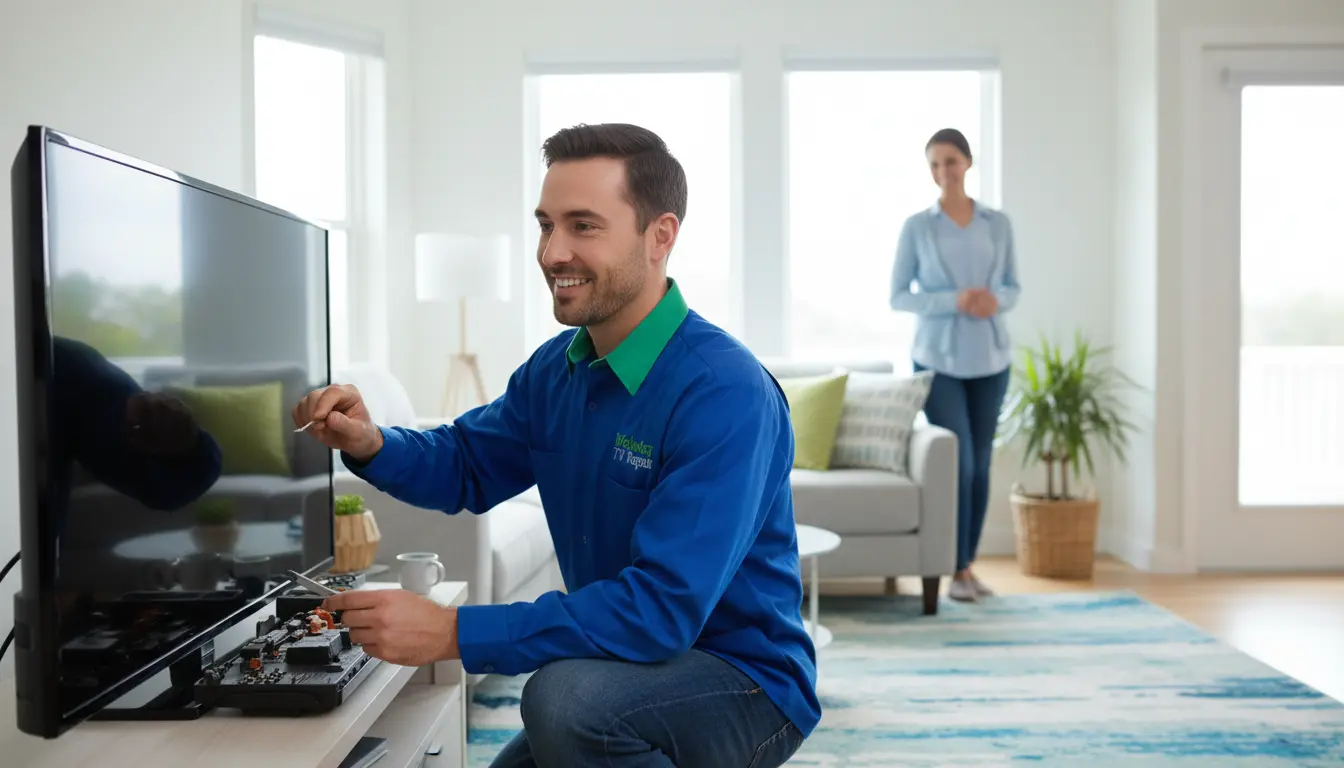
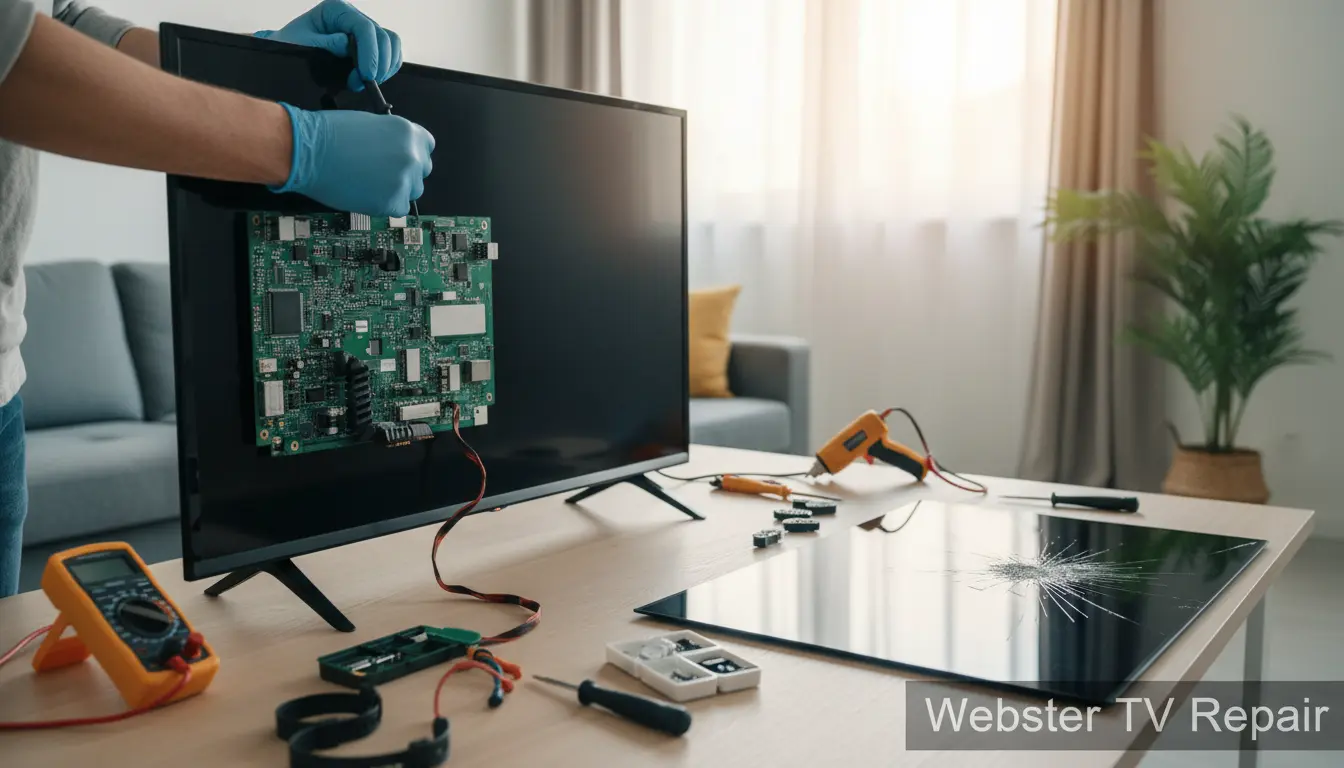
Is your TV screen acting up right at the worst moment—right in the middle of your favorite show? You’re not alone. In Webster, where families rely on their TVs for everything from binge-watching series to catching local sports, screen problems can be a real buzzkill. At Webster TV Repair, we’ve seen it all, from flickering displays to complete blackouts. The good news? Many common TV screen issues can be fixed quickly at home without needing a full replacement. In this guide, we’ll walk you through practical, step-by-step solutions to get your screen back in action. Whether it’s an LED or LCD model, these tips will save you time and money. And if DIY doesn’t cut it, our on-site repair service in Webster is just a call away.
Understanding Common TV Screen Problems
Before diving into fixes, it’s essential to identify what’s going wrong. TV screens, especially in humid Webster weather, can suffer from dust buildup, connection issues, or even power surges. Recognizing the symptom helps you target the right solution. Let’s break down the most frequent culprits.
1. Black or Blank Screen
A black screen is frustrating, but it’s often not a dead panel. This issue might stem from power problems, faulty cables, or backlight failure.
Quick Fixes to Try:
- Check Power Connections: Ensure the TV is plugged in securely and the outlet works. Test with another device. In Webster’s occasional storms, surges can trip breakers—reset your home’s electrical panel if needed.
- Inspect Cables: HDMI, coaxial, or power cords can loosen over time. Unplug, clean the ports gently with compressed air, and reconnect firmly.
- Perform a Power Cycle: Unplug the TV for 5-10 minutes, then plug it back in. This resets internal electronics and resolves temporary glitches in about 70% of cases.
- Test the Remote: Batteries might be low, or the remote could be malfunctioning. If remote issues persist, consider our remote control replacement service for seamless operation.
If these don’t work, it could be a backlight issue common in older LEDs. For Webster residents, our LED TV repair specialists can diagnose this on-site without hassle.
2. Flickering or Flashing Screen
Flickering often points to signal interference, loose connections, or inverter problems in LCD models.
Actionable Steps:
- Adjust Settings: Go to your TV’s picture menu and tweak brightness, contrast, or enable ‘energy saving’ mode. Sometimes, auto-brightness sensors misread Webster’s varying indoor lighting.
- Secure Internal Connections: If comfortable, open the back panel (with power off) and reseat ribbon cables. Use an anti-static wristband to avoid damage.
- Update Firmware: Outdated software can cause instability. Connect to Wi-Fi and check for updates via the settings menu. This fix has helped many of our Webster clients avoid bigger repairs.
- Minimize Interference: Move the TV away from microwaves, cordless phones, or fluorescent lights, which are common in local homes.
For persistent flickering on LCD screens, professional intervention is key. Our LCD screen repair team uses specialized tools to pinpoint and fix inverter faults quickly.
3. Lines or Streaks on the Screen
Vertical or horizontal lines suggest panel damage, cable issues, or T-Con board failure.
Home Troubleshooting Tips:
- Cable Check Redux: Focus on the main board connections. Gently wiggle and reseat them.
- Factory Reset: This erases custom settings that might conflict. Back up your apps first. In the menu, select ‘Reset’ under system options.
- Clean the Screen: Use a microfiber cloth with distilled water (no chemicals) to remove smudges that mimic lines. Webster’s coastal dust can accumulate fast.
- Test with Different Inputs: Switch from cable to streaming— if lines vanish, it’s a source issue, not the screen.
If lines persist, it’s likely hardware. Don’t delay; contact Webster TV Repair for a free diagnostic service to assess panel integrity without commitment.
4. Color Distortion or Washed-Out Colors
Poor color can result from aging bulbs, calibration drift, or HDMI problems.
DIY Solutions:
- Recalibrate Colors: Use built-in tools or free apps like THX Tune-Up for smartphones. Adjust RGB settings for balanced hues.
- HDMI Swap: Faulty cables cause color shifts. Borrow a high-speed HDMI to test.
- Ambient Light Adjustment: In bright Webster living rooms, enable ‘vivid’ mode or add sheer curtains to reduce glare.
- Bulb Replacement (for Older Models): If it’s a rear-projection TV, bulbs wear out. Source compatible ones online, but handle with care to avoid shocks.
These steps restore vibrancy for most users. For advanced color issues in LEDs, our experts recommend scheduling service to prevent further degradation.
When to Call in the Pros: Signs It’s Beyond DIY
While home fixes work for minor glitches, some issues demand expertise. If your TV shows multiple symptoms, makes unusual noises, or the problem recurs, it’s time for professional help. In Webster and nearby areas like Dickinson or Nassau Bay, Webster TV Repair offers prompt, reliable service. We serve the community with a focus on quality, using genuine parts to extend your TV’s life.
Our technicians arrive equipped for everything from diagnostics to full repairs, often same-day. Serving locals in Clear Lake Shores too, we’re your go-to for hassle-free TV maintenance.
Preventive Maintenance for Webster Homes
Prevention beats cure. To avoid screen woes:
- Dust vents monthly to prevent overheating.
- Use surge protectors against local power fluctuations.
- Keep firmware updated for optimal performance.
- Position TVs away from direct sunlight or heat sources, crucial in Texas humidity.
Regular check-ups with Webster TV Repair can catch issues early, saving you from costly downtime.
FAQ: Common Questions About TV Screen Fixes
What Causes Most TV Screen Problems in Webster?
Humidity, dust, and power surges from coastal weather are top culprits. Simple maintenance like ours can mitigate these.
Can I Fix a Cracked TV Screen at Home?
No—cracks require panel replacement. Attempting DIY risks injury or voiding warranties. Opt for our on-site repair service instead.
How Long Do These Home Fixes Take?
Most take 10-30 minutes. If ineffective, our free diagnostic service gets you answers fast.
Is It Worth Repairing an Old TV Screen?
Yes, if under 7 years old—repairs cost less than new models. We assess value during diagnostics for Webster customers.
Do You Serve Areas Outside Webster?
Absolutely! We cover Bacliff and surrounding spots with the same quick service.
Conclusion: Get Your TV Screen Fixed Today
TV screen issues don’t have to ruin your downtime. With these quick home fixes, you can troubleshoot effectively and enjoy clearer viewing in no time. From black screens to color woes, we’ve equipped you with actionable advice tailored for Webster homes. But remember, for complex problems or peace of mind, Webster TV Repair is here. Our experienced team delivers top-notch LED TV repair and more, right at your door. Don’t let a glitchy screen dim your entertainment—contact us now for a free consultation and get back to watching worry-free! Call Webster TV Repair today at (8663761374) or visit our site to book.